M365 FastTrack
Empowering IT admins to confidently deploy Microsoft 365 products — through deployment wizards, a customer-facing setup site, and a brand-new AI chat assistant.
- Company
- Microsoft · FastTrack
- DURATION
- 2023 – 2025
- Systems
- MADS, Fluent
- PRIMARY PERSONAS
- IT admins, subscribed & curious
A white-glove service that needed to feel current again
FastTrack for Microsoft 365 helps organizations set up Microsoft 365 products with advanced deployment guides. It serves two personas: non-subscribed users who are curious about the service, and subscribed users who are eligible recipients.
The guides and setup site had outdated designs and content, and traffic and engagement were dropping because of it.
What content is reducing — or increasing — audience engagement?
Three touchpoints that shape engagement
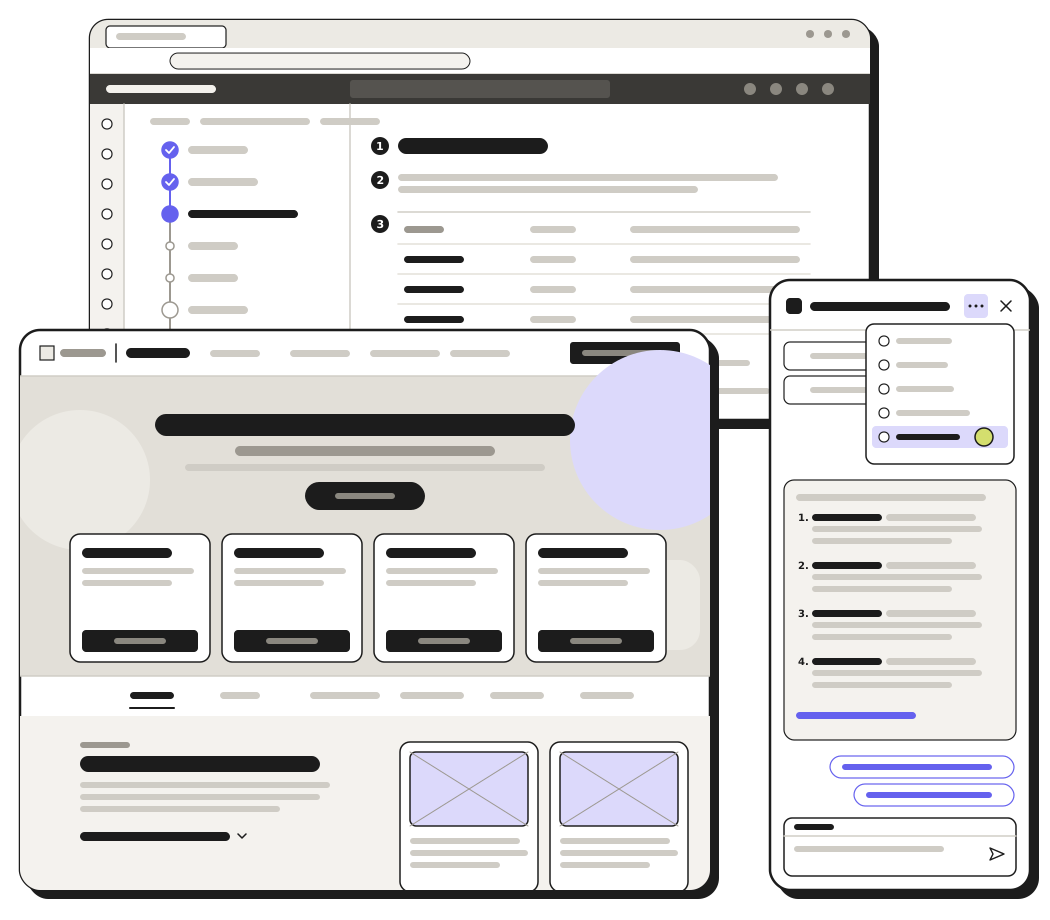
An admin’s experience with FastTrack runs through three touchpoints, from guided setup to self-serve resources to on-demand help. Each one was a chance to win back engagement.
Across all three, the goal was to keep design elements compliant and coherent with Microsoft’s design systems. Each followed the same process: discover, synthesize, test, review & improve, finalize.
Deployment guides, in coherence with MADS
When I joined the FastTrack team, I was tasked with providing design guidance in coherence with the Microsoft Admin Center Design System (MADS).
Discover
The wizards live in two places: the Microsoft Admin Center, with full expert guidance for the life of an eligible subscription at no extra cost, and the public website, with enough guidance to get customers started.
Synthesize
I processed what I gathered — who was involved, requirements, deadlines and personas — into four themes.
Test, review & finalize
I clarified responsive behavior and fleshed out explorations for the team, then reviewed them with design peers — repeating when necessary. Requirements and time constraints defined the final deliverables.
A redesign to compliment the wizards
The setup site is an accessible onboarding hub for setup guides, blogs, webinars and other deployment resources — for everyone, regardless of license status, role or credentials. With the wizards updated, it needed a refresh too.
Synthesize
Daily stand-ups shaped what I worked on next, and the research landed on four themes.
Test & iterate
I went from the M365 site as inspiration, to a proof of concept, to my own refinement — a bolder, more modern approach with less static, more interactive information.
Deliverables
Like the wizards, time constraints defined what I delivered. Phase 1 focused on the home page redesign; phase 2 added a couple of new pages and updated the navigation.
A net-new way to get support
Inspired by Copilot, the team wanted a conversational approach for users getting support. The assistant serves unauthenticated visitors on the customer-facing setup site.
- Synthesize: gathered notes and inspiration from Copilot Studio and Fluent 2 components to review with the team.
- Test: stress-tested placeholder content against layouts to inform next steps — including a feedback dialog and field interactions.
- Review: shared design-review notes on what was being developed back with my dev team.
- Finalize: since it was net-new, I provided more detailed guideline breakdowns.
Also at Microsoft FastTrack
Fix, hack, learn week
Teams volunteer for a week of exploratory projects — mine was a cultural recipe transformer.
Design system collaboration
Leveraged Fluent 1 and the Microsoft Admin design systems to inform wizard patterns for my FastTrack team.
Email templates
Solved for communication depending on each persona’s interaction type.
Two years of stability on one team was truly welcome. I flourished in collaboration and polished how I deliver designs to my cross-functional teams.
Balancing the priorities of a large, varied team of project managers, content developers, subject matter experts, designers, UX researchers and content designers, without losing one coherent direction.